Notion Travel Planner
Notion Travel Planner
Couldn't load pickup availability
Plan every journey in one place.
Travel planning often starts scattered — saved posts, flight searches, notes, documents, budgets, and confirmations across multiple apps. The Notion Travel Planner brings everything together into a single organized system designed to simplify how you plan, manage, and experience travel.
From the first destination idea to the final travel memories, this planner helps you stay organized every step of the way.
Plan multiple trips simultaneously, track destinations you’ve visited, compare flights and accommodations, build day-by-day itineraries, manage travel expenses across currencies, and store important travel documents — all in one intuitive workspace.
Whether you’re planning a weekend getaway, a multi-city adventure, or long-term travel, this planner keeps everything structured, flexible, and easy to access.
FEATURES
• Plan and manage multiple trips in one centralized system
• Structured trip pages connecting bookings, activities, and expenses
• Transportation tracker for flights, trains, and transfers
• Accommodation manager with cost tracking and stay comparisons
• Day-by-day itinerary planner with scheduling and activity tracking
• Global Things To Do database reusable across trips
• Destination manager for continents, countries, and cities — including 69 countries and 268 city entries with currency and language information
• Travel analytics tracking visited countries, cities, trips, and travel days
• Expense tracker with automatic currency conversion
• Group expense tracking with traveler-level spending breakdown
• Traveler profiles with document storage and passport expiration alerts
• Wardrobe planner and automated packing list generator
• Trip journal for memories and travel notes
• Custom icons and cover images for each section
• Compatible with the free Notion plan
WHO THIS TEMPLATE IS FOR
• Travelers planning multiple trips throughout the year
• Digital planners who want everything organized in one workspace
• Solo travelers building detailed itineraries
• Couples or groups planning trips together
• Anyone who wants a structured and aesthetic travel planning system
PAGES
HOMEPAGE
Travel Overview
Quick Actions
TRIPS
(01) My Trips
(02) Transportation
(03) Accommodation
(04) Things To Do
(05) Itinerary
(06) Budget & Expenses
(07) Outfit Planner
(08) Packing List
(09) Travel Journal
DESTINATIONS
(10) Continents
(11) Countries
(12) Cities
(13) Bucket List
(14) Resources
TRAVELERS
(15) Traveler Profiles
(16) Travel Documents
(17) Preparation Checklist
GUIDE
(18) Full Video Tutorial
NOTES
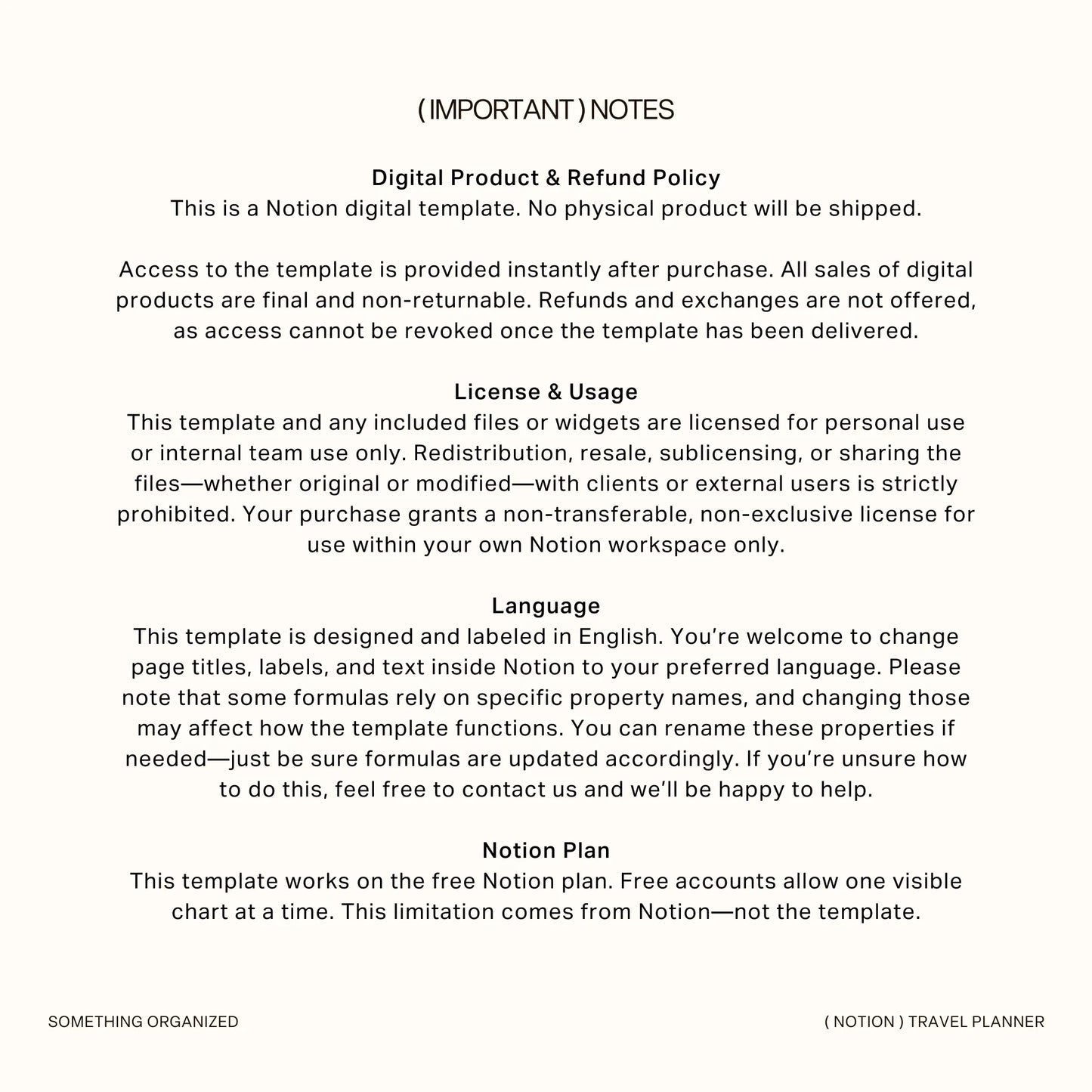
Digital Product & Refund Policy
This is a digital download. No physical product will be shipped.
Access to the template is provided instantly after purchase.
All sales of digital products are final and non-returnable. Refunds and exchanges are not offered, as access cannot be removed once the template has been delivered.
If you experience any issues, please feel free to contact me directly. I’m always happy to assist and typically respond within 24 hours.
License & Usage
This template and any included files or widgets are licensed for personal or internal team use only.
Redistribution, resale, or sharing the files—whether original or modified—with clients or external users is strictly prohibited. Your purchase grants a non-transferable license for use within your own Notion workspace only.
All files included are for personal use only. Unauthorized redistribution or resale may result in appropriate action to protect intellectual property rights.
Language & Currency Settings
This template is designed in English. Page titles and labels can be customized to your preferred language inside Notion. Please note that some formulas rely on specific property names, and changing those may affect how certain features function.
All amounts are displayed in USD, but currency symbols and formatting can easily be adjusted to match your local currency (EUR, GBP, etc.).
Notion Plan Compatibility
This template works fully on the free Notion plan.
Please note that Notion currently limits free accounts to displaying one visible chart at a time. Templates with multiple charts will still function normally, but only one chart can be visible simultaneously. This limitation is part of Notion’s platform and not the template itself.
- Lifetime Access
- Easy Navigation
- YouTube Tutorials
How to Use
How to Use
1. Access Your Template
After purchase, a PDF file containing the template link will be sent to your email. Download the file and click the provided link to access the template.
2. Duplicate to Your Workspace
- Once on the template page, click the "Start with this template" or "Duplicate" button in the top-right corner.
Tips for Duplicating:
- Use a desktop or laptop for the best experience, as some users may experience issues duplicating on iPad, tablet, or phone.
- Ensure you’ve selected the correct workspace when duplicating. Avoid selecting "Private" as it might cause issues with the template displaying correctly. If problems persist, try again with a stable internet connection.
3. Start Customizing and Organizing
- Your own editable version is now ready!
- Customize the template to fit your needs and start organizing effortlessly.
FAQs
FAQs
-
Can I use this on a free Notion account?
Yes, all templates are fully compatible with Notion’s free plan. However, please note that the free plan limits you to only one chart per workspace. To use charts, select the one chart you’d like to keep and delete the others, including any chart views filtered by month. You can easily adjust the chart to display data for the current month or by year.
-
Can I modify or change the formula?
While you're welcome to customize any pages within the dashboard, we kindly advise exercising caution when modifying formulas, as this may inadvertently affect other interconnected pages. If you're uncertain about making changes to formulas, we recommend seeking assistance to avoid unintended consequences.
-
Can this template be used in subsequent years?
This template is structured for annual use. While you can extend it by adding additional years, please note that at the end of each year, the template will be updated. Feel free to re-duplicate the template to ensure you have the most current version available.
-
Can I resell your Notion template?
No, all files included in the template are for PERSONAL use only. Redistribution, resale, or reproduction of the template, in whole or in part, is strictly prohibited. Violation of this policy may result in legal action to protect intellectual property rights and pursue damages for unauthorized distribution.
Policy & Terms
Policy & Terms
- This is a digital download. No physical product will be shipped to you.
- All files included in the template are for PERSONAL use only. Redistribution, resale, or reproduction of the template, in whole or in part, is strictly prohibited. Violation of this policy may result in legal action to protect intellectual property rights and pursue damages for unauthorized distribution.
- Due to the nature of digital products, all sales are final and non-returnable. We do not offer refunds or exchanges. However, if you encounter any issues with your purchase, please don’t hesitate to contact us. We are committed to resolving any problems and will respond to your query within 24 hours.
Share